How EverPitch Works, From Prompt to Daily Webinar
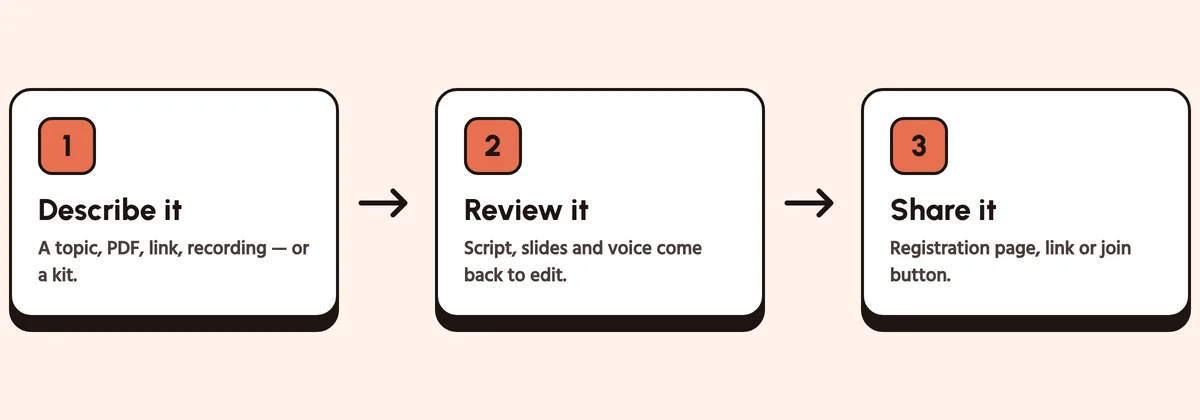
Three steps take you from an idea to a hosted webinar: describe it, review it, share it. Here is what happens at each stage and what you control.
Describe it, or pick a kit
Type what the webinar is about in plain words, attach a PDF, paste a link, or upload a recording. You can also start from one of 24 ready-made kits in the Bundle’s Kit Vault.
Review and customise
The script, slides and voice come back as a draft. Read every line, change any slide by asking, apply your logo and colours, and add on-camera clips of yourself made from one photo.
Share and let it run
Choose a registration page and share the link, or embed a join button on your site. EverPitch presents the webinar on your schedule in each viewer’s timezone.
Four ways to start
EverPitch is designed so you never face a blank page. Whatever you already have can become the starting point.
- An idea: describe the topic and the offer in a sentence or two.
- A document or URL: turn an existing article, sales page or brief into a talk.
- A PDF deck: import slides you already use.
- A recording: upload a past Zoom call (up to 2 GB). Slides are read from the video so names and prices come out right.
Idea
A short prompt is enough to get a first draft.
Document
Reuse material you already wrote.
PDF deck
Import an existing presentation.
Recording
Turn an old call into an evergreen webinar.
What happens when viewers join
The talk is prepared ahead of time and played on a shared clock, so everyone in a session sees the same moment.
Viewer-local times
Session times are shown in each visitor’s timezone, with reminders and calendar invites.
Spoken answers
Greetings get a welcome, comments don’t interrupt, and questions get a spoken answer from your content, at a minute you choose or right away.
Your demo, in place
Paste a video link and EverPitch finds where it belongs, plays it full screen with a spoken lead-in, then picks the talk back up.
About credits
Building a webinar uses credits at 40 per finished minute, so a 15-minute webinar uses about 600. Extra languages and extra AI images use a few more. Spoken answers during sessions don’t use credits (up to 20 per session). If you run out, finished webinars keep running and new builds wait for next month’s refresh.
Next, explore the focus areas for a closer look at each part of the product.
Ready to let your best pitch run every day?
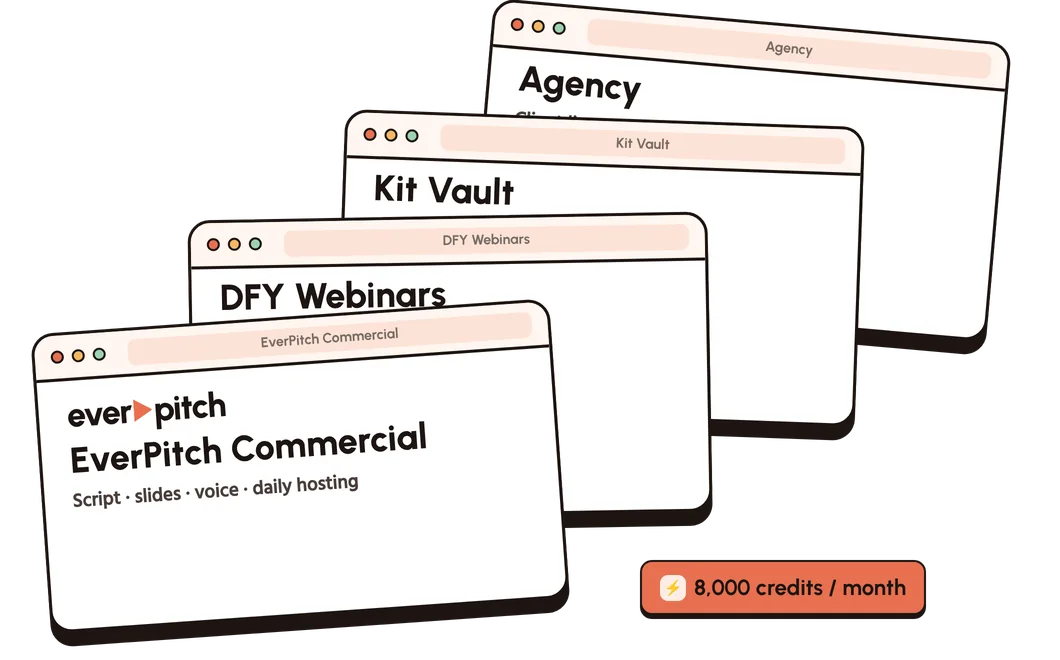
One payment of $199.10 switches on EverPitch Commercial, DFY Webinars, Kit Vault and Agency, with 8,000 credits a month and a 30-day money-back guarantee from the seller.